

Understanding the differences among solid-state storage (SSS) options can be challenging. That is because not all SSS devices are built the same, and not all offer the same performance. While all share similarities, some often outperform others regarding speed and functionality. The embedded multimedia card (eMMC) and the solid-state drive (SSD) are SSS devices that operate on NAND flash memory chips, a type of non-volatile storage that can store data without power.
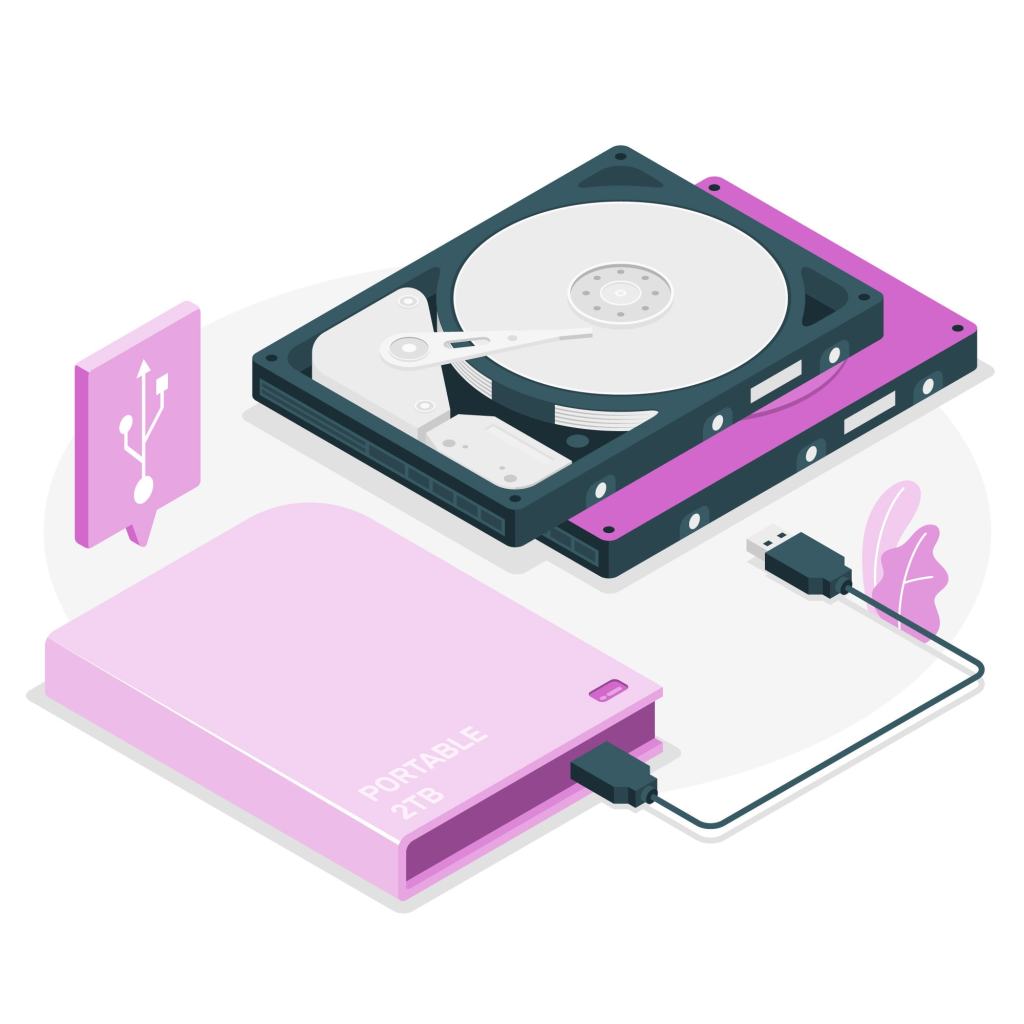
The Multimedia Card (MMC), the precursor to the secure digital (SD) card, was created to replace the old mechanical hard drive, but nowadays, it is rarely used. Its replacement, the SD card, became a far better option due to its improvement in speed and performance. Both options offer removability and affordability. An eMMC is an MMC embedded in a device’s motherboard, meaning it is not removable like an MMC or an SD card. Similarly, the eMMC was created as an inexpensive option for mobile devices, digital cameras, and budget laptops. It lacks in performance if used in higher-demand electronic devices.
SD cards are a lot like flash drives. Both offer removability and affordability. Both use flash memory (NAND) but differ in their preliminary functions and are compatible with different devices. SD cards are primarily used for storing photos, videos, and other media in portable devices like cameras, drones, and smartphones. USB flash drives are typically used to transfer files between computers, back up data, or as portable storage for documents, software, or media. An SD card contains a flash memory chip on a printed circuit board (PCB) with an SD controller optimized for devices like cameras and smartphones. In contrast, a USB flash drive integrates a flash memory chip on a PCB with a USB controller and interface, allowing direct connection to USB ports for file transfer and storage.
An SSD is an advanced form of flash memory storage containing more sophisticated components. Its controller operates similarly to a RAID configuration by leveraging multiple memory chips in parallel to achieve high speed. It efficiently distributes read and write operations across all the memory chips, ensuring optimal performance. The controller also organizes and presents the memory in a consistent, logical order, allowing the computer to access data seamlessly and behave normally, even as the drive processes tasks in the background. The SSD’s firmware performs wear leveling, evenly distributing data across the memory cells to prevent premature wear. It automatically optimizes the drive by reorganizing data for better performance, eliminating the need for additional SSD optimization utilities.
The main differences between the eMMC and the SSD lie in their speed, performance, and use. While both are flash storage, an eMMC is much slower, with fewer lower-quality memory chips, and is typically used in budget devices such as smartphones and entry-level laptops. The eMMC was created to be budget-friendly but has limited performance. SSDs, however, offer faster speed due to multiple high-quality NAND chips and advanced controllers. They are commonly found in premium devices and are ideal for demanding applications. Though eMMCs offer affordable basic storage, SSDs provide superior performance, durability, and speed, making them the better choice. However, not all devices require fast data access and processing; SSDs are typically found in high-end smartphones, tablets, high-performance laptops, desktops, and gaming consoles.
Ultimately, the choice between eMMC and SSD depends on the user’s specific needs. For those seeking basic storage at an affordable price, the eMMC offers a reliable solution. However, the SSD remains the superior option for users who require faster, more efficient storage, especially for high-performance tasks. With the growing demand for faster and more efficient data storage, SSDs continue to lead the market, providing the reliability and performance needed for modern computing and media storage.
